The daily spend cap
Set a daily spend cap on the Cost screen. When today crosses it, Caprock pauses the sessions it started: paused, not killed. Your own are untouched.
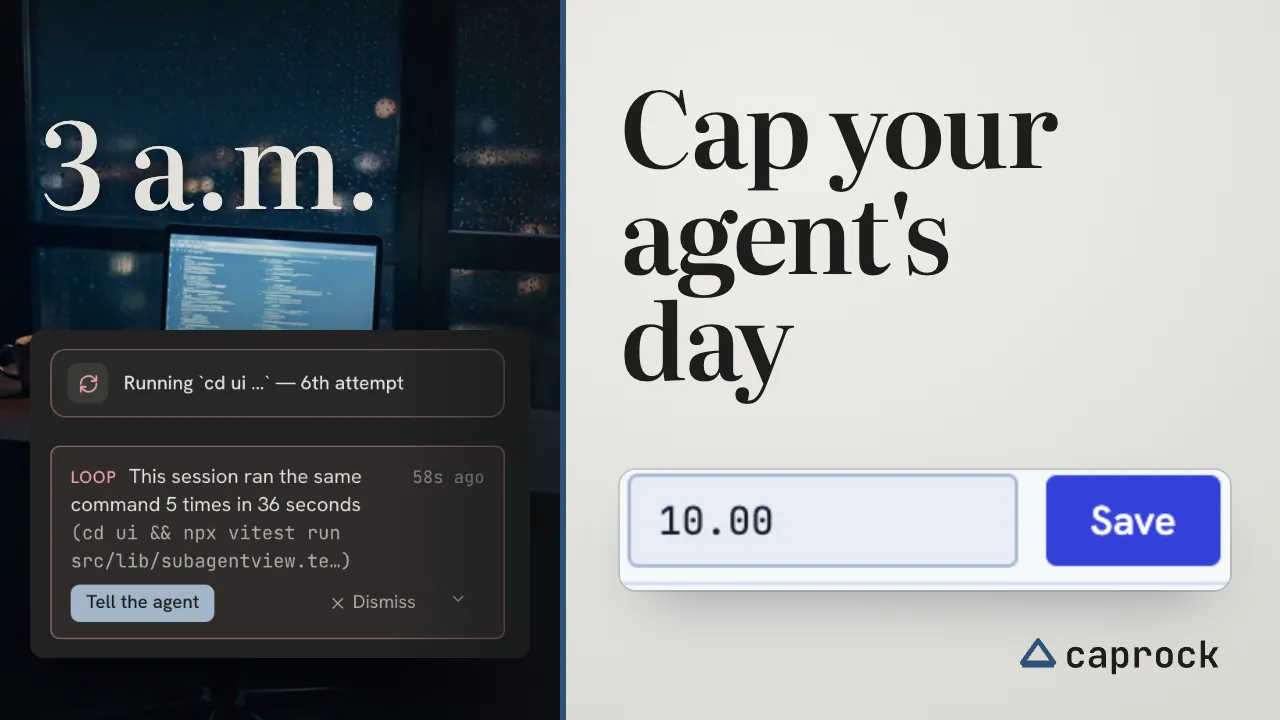
Demo data. Voice-over and opening shot are AI-generated.
Watch on: YouTube Shorts Instagram
More explainers on YouTube Follow the build: YouTube Instagram Threads X
Transcript
A loop at 3 a.m.
It's 3 a.m. Your coding agent is still working, and nobody is watching it.
It's stuck in a loop: the same command, five times in thirty-six seconds. And every turn burns tokens.
Caprock watches every session, and what it costs, live.
Give the day a ceiling
So give the day a ceiling. On the Cost screen, set a daily spend cap. Caprock suggests twice your usual day, or you type your own.
When today crosses it, Caprock pauses the sessions it started. Paused, not killed. Resume, and the conversation is still there.
Sessions you started yourself are never touched.
Before and after
Before: a loop that runs until morning. After: a day that stops where you said.
The daily spend cap is part of Caprock Premium. caprock.dev
How it works
One number for the day.
Set it on the Cost screen: Caprock suggests twice your usual day, or you type your own. Spend is at API list price: an estimate, not a bill. Cost and limits →
It pauses only the sessions Caprock started.
A session from your own terminal is watched and never signalled, however much it costs.
Paused, not killed.
The conversation, the folder and the context survive. Resume, and the session carries on.
Once a day, and it fails open.
A session you resume by hand is not paused again that day. If the day's spend cannot be read, nothing is paused.
Part of Caprock Premium.
$30 a year or $100 once, with the pause at the plan limit and answers from Telegram. Premium →