How it works Short explainers, one feature each.
Under a minute each, shown in the app. Every video has its transcript and the facts under it.
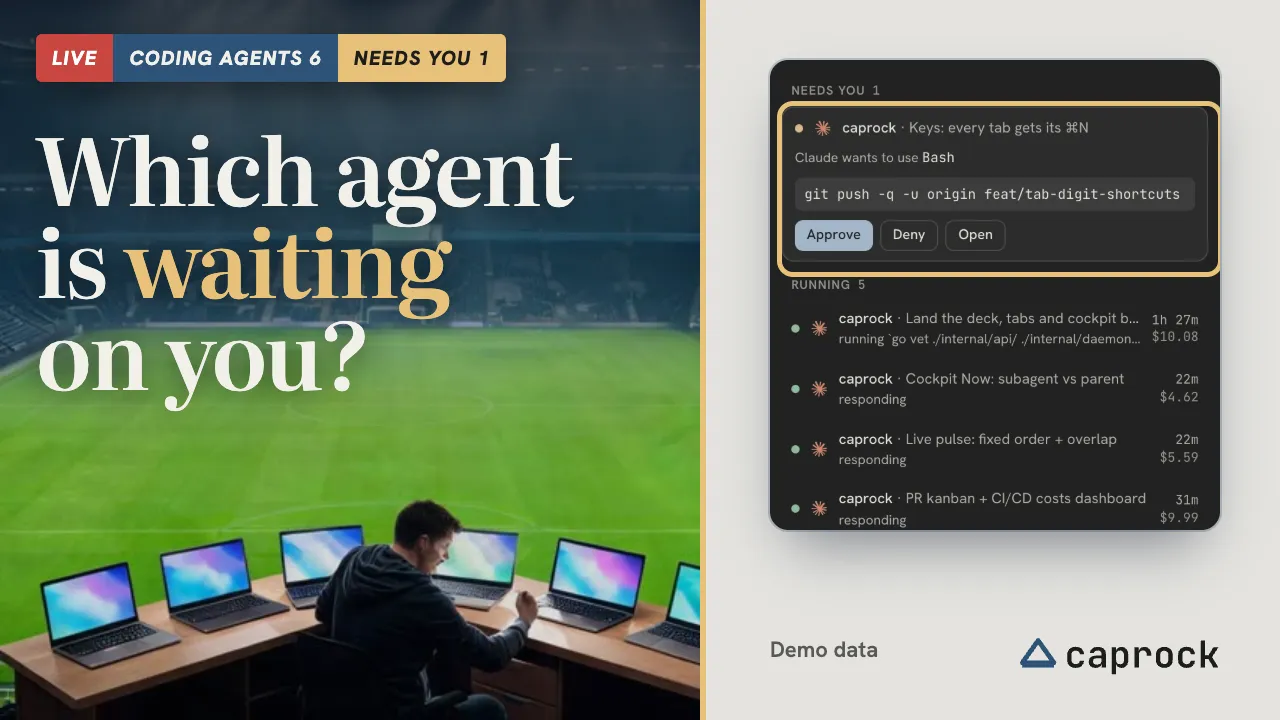 0:51 Six coding agents, one is waiting on you. Which one? Six agents at once, and one waits on a permission prompt while you look at the wrong tab.
 0:52 How much does Claude Code cost per day? The forecast Today's reading, a radar per session and the outlook: what a day of Claude Code costs, and where to see it.
 0:46 POV: you're Claude Code and your human is at the gym Claude Code needs one "yes" and you are away. Your own Telegram bot tells you.
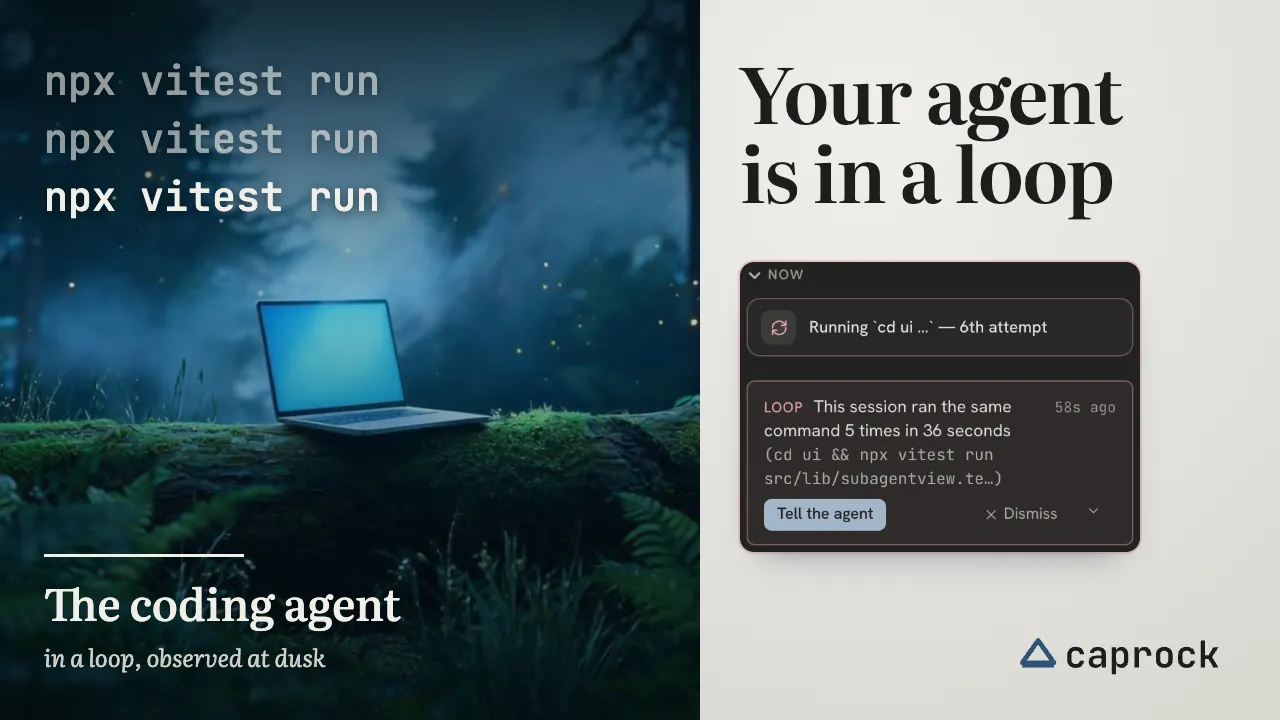 0:55 A coding agent's mating ritual: npx vitest run, 5 times The same command, five times in thirty-six seconds. Caprock spots the loop and tells you; it stops nothing.
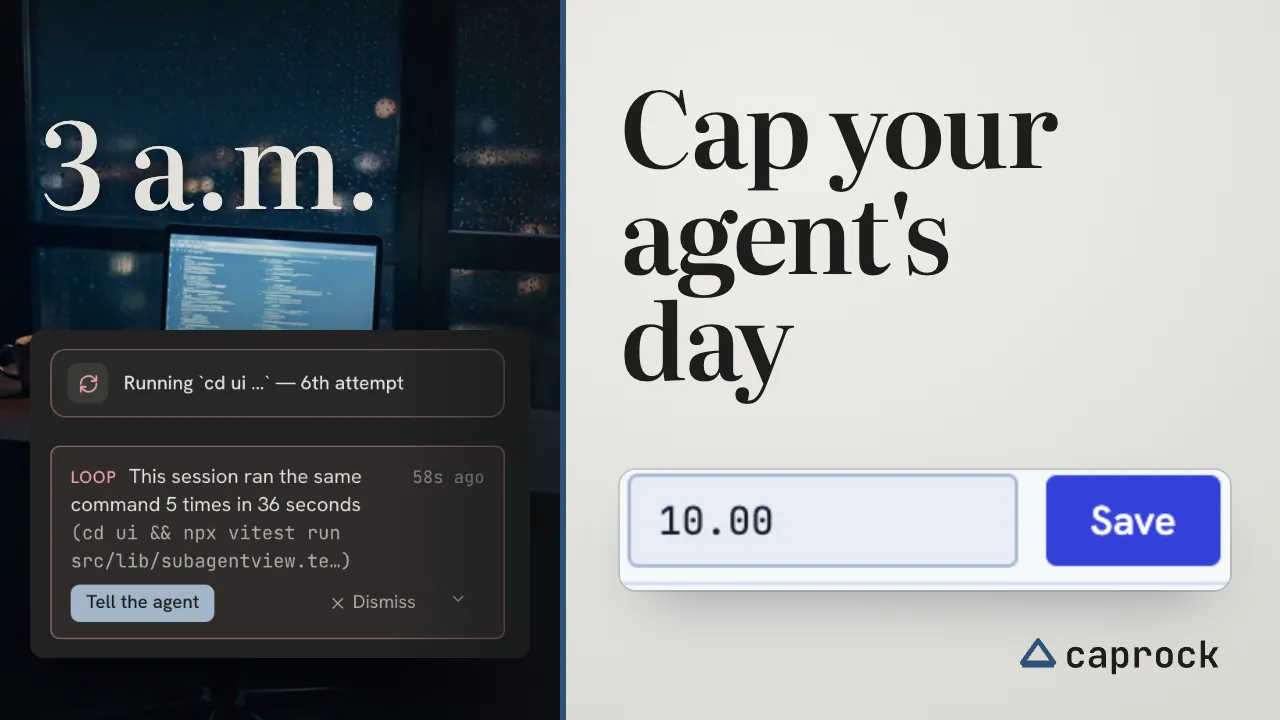 0:49 The daily spend cap A coding agent loops all night. Give the day a ceiling, and Caprock pauses the sessions it started.
See every coding agent you run.
Who is waiting on you, who is stuck, how close the limit is. Free and open source; nothing leaves your machine.
Caprock is a desktop app: it installs on your computer, not your phone.
Or email yourself the link:
macOS, Windows and Linux. Your phone pairs with it by QR code. Install options →


On an iPhone, pair it with the app.
Notarized by Apple. One file for Apple silicon and Intel, macOS 13 or later.
Windows 10 22H2 or later, x64. Windows may ask once whether to run it: click More info, then Run anyway.
Paste it into Claude Code, Codex or any coding agent.
See what it says ▾
Install the Caprock desktop app for me. It is open source (Apache-2.0), a local
app for my coding agents: https://github.com/dspv/caprock

What the install does and how to remove it:
https://github.com/dspv/caprock/blob/master/docs/install-agent.md

Run the install script for my system: https://caprock.dev/mac.sh, /win.ps1 or
/linux.sh. Read it before you run it if you like. Leave my Claude Code settings
alone; the app asks me itself. Tell me when it's open.
Or run it yourself:
Paste in Terminal: it installs Caprock and opens it.Or with Homebrew: brew install --cask dspv/tap/caprock-app
Or run it yourself:
Paste in PowerShell: it installs Caprock for you and opens it.
Or run it yourself:
Paste in a terminal: it installs Caprock for you, no sudo. Or download the AppImage